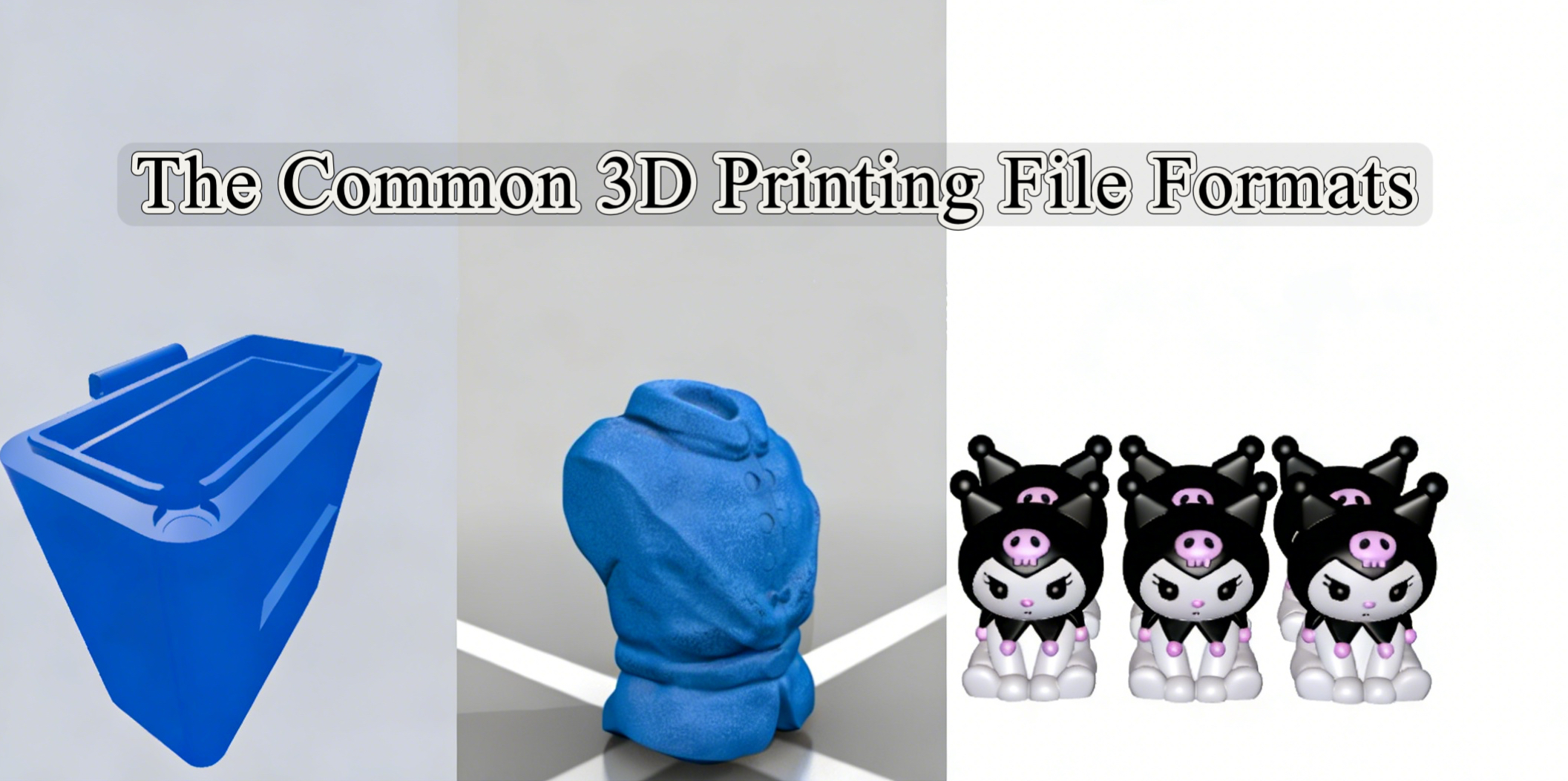
Not every digital file is made alike. Though STL has long been the main workhorse of 3D printing, several other kinds of formats have appeared, each with distinct pros and disadvantages. Using the wrong format can cause unsuccessful prints and aggravation, whether you are printing a full-color art piece or a functional prototype. This guide goes over the basics.
What Are 3D Print Files?
Essentially, a 3D model file is a digital replica of a three-dimensional object. Your 3D printer’s program, commonly known as a slicer, therefore sees curves and surfaces differently than a video game or CAD tool might. Instead, it needs a particular set of geometric information.
The Common 3D Printer File Formats
This section is central to understanding your options. Below is a breakdown of the four most prevalent file formats in consumer and professional 3D printing, from STL files for 3D printing to other, rarer 3D printing file types.
.STL File

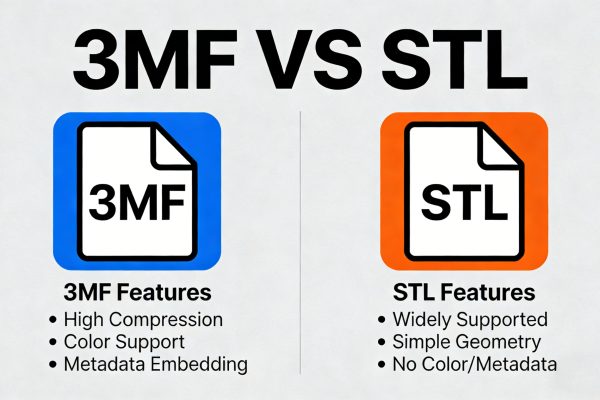
Since the 1980s, the STL file format has been the default in 3D printing. It represents the surface geometry of a 3D object using a mesh of small triangles. Larger files result from more triangles but smoother surfaces. Specifically, it offers neither scale, color, nor texture data.
Advantages:
- It is supported by virtually every 3D printing software, slicer, and online databases like Thingiverse or Printables.
- Its simple nature makes it easy for software to process and slice.
- It’s a mature, well-understood format with a vast ecosystem of support.
Disadvantages:
- It cannot store color, texture, or multi-material data.
- The triangulation process approximates curved surfaces, meaning it can never be perfectly accurate. When converted to STL, a very high-resolution STL model format will lose some degree of detail.
- The file does not provide a unit definition (mm or inches), which occasionally causes scaling problems if not properly configured in the slicer.
Applicable Scenarios:
STL files are perfect for beginners who want to print single-color, single-material objects. The format is also ideal for functional parts where color and texture are irrelevant. Finally, it has become the go-to format for sharing designs online due to its universal compatibility.
.OBJ File

Offering more versatility, the OBJ file format is a step up from STL. It is a common option in printing and advanced 3D visuals. 3D geometric information can be kept in an OBJ file, much as STL does. But it is also more flexible as it may retain data about textures, materials, and color. It references an accompanying MTL file, which includes the 3D printer material and color definitions, accomplishing this.
Advantages:
- The main benefit is that OBJ files enable printing of complex figurines or full-color sandstone models since they can accommodate texture and color.
- Though this functionality is not always employed in 3D printing settings, it can also depict curves and surfaces more accurately than STL using mathematical curves.
Disadvantages:
- Management of an OBJ model is a little more complicated since it typically comprises the .obj file, the .mtl file, and independent picture files for textures.
- Including color and texture information might greatly increase file size.
- It can manage color, but it is not as strong as 3MF for setting up complicated multi-material print arrangements (such as different filament assignments).
Applicable Scenarios:
3D-printed sculptures, figurines, or topographical maps where color information is essential will benefit from OBJ files. When the print’s surface calls for a certain visual texture, such as wood grain or fabric, they also work great.
.3MF File

STL’s contemporary, deliberately designed successor is the 3MF 3D Manufacturing Format. This format comes in an XML-based data package, commonly a zip, containing all the data about a model in one archive. This includes the geometry, material colors, textures, and even print settings like infill, support structure specifications, and scale.
Advantages:
- Everything needed to describe the print job is contained in a single file, eliminating the file management issues of OBJ.
- Naturally, it enables a variety of colors, textures, and materials.
- Designed to be “watertight” and self-describing, it lowers the likelihood of mistakes such as non-manifold edges that could afflict STL files.
- Since it is XML-based, the data may be examined and modified with a text editor if needed.
Disadvantages:
- Although adoption is quickly expanding, it is not yet as widely accepted as STL, particularly with very old computers or printers.
- It is also more complex compared to other formats, while also having larger file sizes in many cases.
Applicable Scenarios:
This filetype is often the best choice for modern printers with dual extruders or MMU systems. It has also become ideal for users who need to share a complete, unambiguous print job with a service bureau or colleague. It is even perfect for saving a project while preserving not just the geometry but also the intended material and color choices.
What Is the Best Format for 3D Printing?
Here is an analysis from different factors to help you choose.
From the Factor of User Experience Level:
STL is the default and best choice. Given its universality, every slicing will open it, and every lesson or manual you follow will employ it. It streamlines the process and lets you concentrate on learning printing basics.
You will come across projects where STL comes up short as you mature. STL is still helpful for general-purpose printing, but you should begin playing around with 3MF. By storing print settings with the model, it simplifies processes and avoids you having to reconfigure your slicer each time you reopen a file.
From the Factor of Model Types:
For simple and functional parts, STL is perfectly adequate. Color and texture are irrelevant, and the format’s simplicity is an asset. If you are printing a pre-supported tabletop miniature, the designer will likely provide it in STL for maximum compatibility. However, if you are creating your own full-color sculpture, you will need OBJ to preserve the painted textures.
From the Factor of Materials:
STL is a flawless format when it comes to printing using a single material, as it’s easy to use, widely adopted and overall very efficient.
Conversely, 3MF is the better choice for several materials or colors. Its capacity to encode material properties guarantees that the proper filament is designated to the right section of the model, therefore minimizing mistakes and setup time.
Our Recommendation
Start with STL. Even when looking at 3MF vs STL, it is the standard language of 3D printing. Master the basics of slicing and printing with it. Switch to 3MF for complex projects. When your print involves multiple colors, multiple materials, or if you want to save your precise slicer settings alongside the model, move to 3MF. And stick to using OBJ for full-color, textured models.
Other 3D Print File Formats
While STL, OBJ, and 3MF are the most common for the printing process itself, you will encounter other important file types in your workflow for different 3D printer file types.
.AMF File
The AMF format was another attempt to create a modern replacement for STL. An AMF file is an XML-based format that describes the object’s geometry, material, color, and even lattices and gradients. Like 3MF, it is designed to be a single, comprehensive file for additive manufacturing. It can describe curved triangles, allowing for a more accurate representation of a surface with smaller file sizes compared to STL’s flat triangles. And supports features like color gradients and varying material properties across a single object.
Though it is an ASTM (American Society for Testing and Materials) standard, it never received the extensive support 3MF enjoys from major software and hardware businesses. Compared with 3MF, popular slicers are less likely to contain strong AMF support.
It is still a format for certain industrial or research applications that calls for its special gradient properties in 3D printer files, but it is not advised for regular consumer usage, as adoption and other elements play too great a role in rendering this format obsolete.
.STEP or .STP File
The STEP format is the industry standard for distributing 3D models among professional CAD applications including SolidWorks, Fusion 360, and Onshape. A STEP file includes the “recipe” for building solids, curves, and dimensions in addition to the complete, correct parametric geometry of a model, unlike STL.
You cannot directly output a STEP file. You first have to bring it into a CAD or slicer program that may then export it as an STL or 3MF file for printing. It is the arrangement you use in a professional design context for editing and collaboration, not for the last print stage.
.X3D File
Representing three-dimensional computer graphics, the open-standard XML-based X3D format is an XML-based file format. It follows the older VRML (Virtual Reality Modeling Language).
Web-based 3D applications, interactive simulations, and data visualization all depend mostly on X3D.
Although it can depict 3D geometry and appropriate 3D files for printing, it is not a widely used form in the 3D printing environment. You could meet it when extracting 3D data from a scientific or web-based site.
Conclusion
The traditional STL continues to be a dependable and worldwide workhorse for most common prints. Representing the future, the 3MF format offers a robust, all-in-one solution that lowers mistakes and maximizes knowledge.
Knowing the benefits and drawbacks of STL, OBJ, and 3MF lets you choose with certainty the most appropriate 3d printer file format for the task and ensures that your final print is exactly what you had intended.