No deny that nowadays 3D printing has seen its way in various aspects of our life and is making a big difference! Sometimes you just can’t help feeling amazed at your own creative and ultra-practical works that have been inspired by 3D printing. However, most 3D printing hobbyists, either newbies or experts, may find it inconvenient to handle those annoyingly complicated operation procedures when using traditional 3D printing software. Here is where EasyPrint comes in.
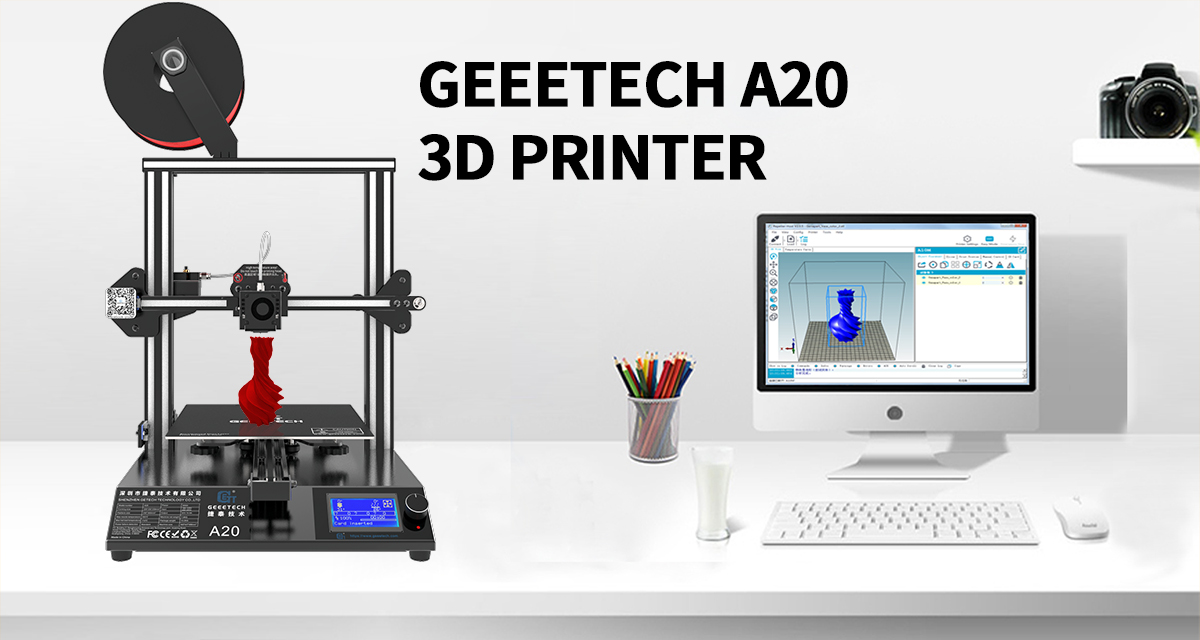
EasyPrint is a piece of standard 3D printing software, intuitive, easy-to-manage and specially engineered for Geeetech printers and demystifying the 3D printing tech. In addition, it can also support most other 3D printers.
With the aim of providing users with top-notch printing services, Geeetech is now launching a public beta for this software.
EasyPrint has an intuitive and user-friendly interface, enabling users to get a mastery of its features in a short period of time. With just a few steps, this user-oriented software allows both newbies and experts to bring your 3D models into life, experiencing the marvelous layer visualization and the straight-forward control over the printing process.
Load
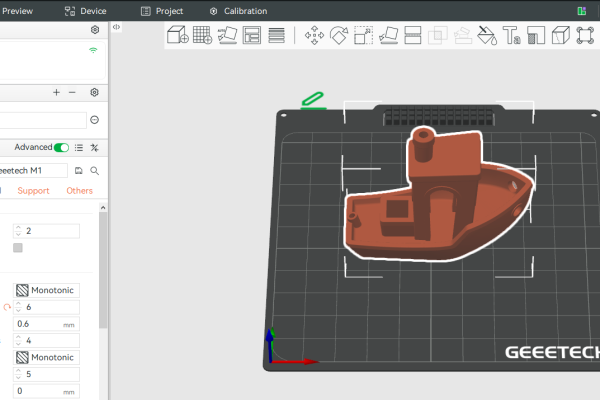
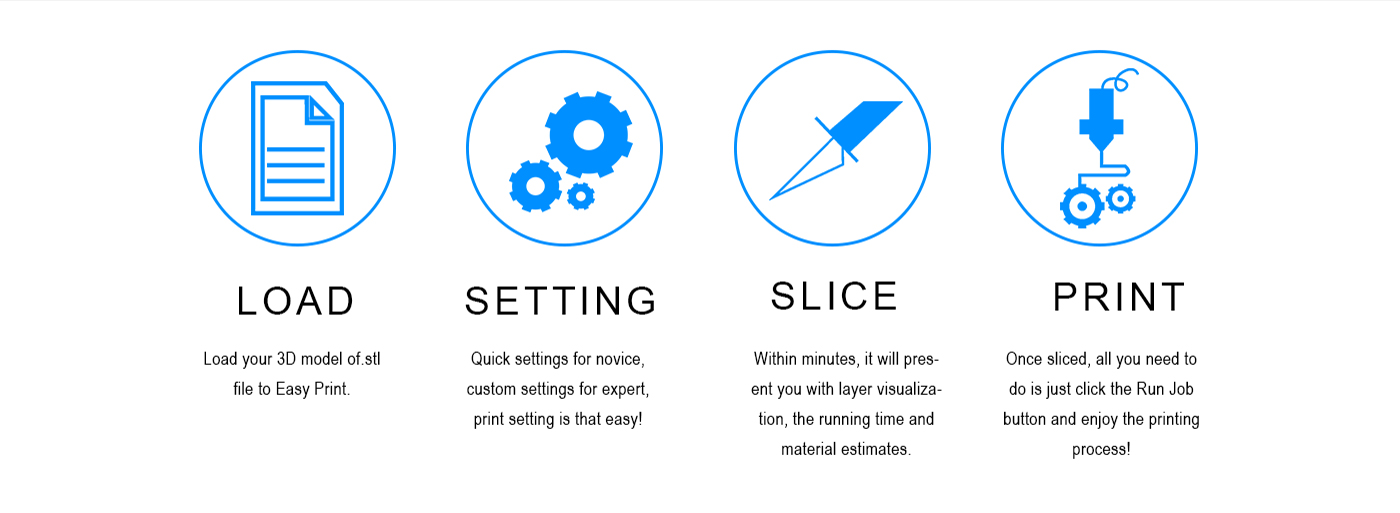
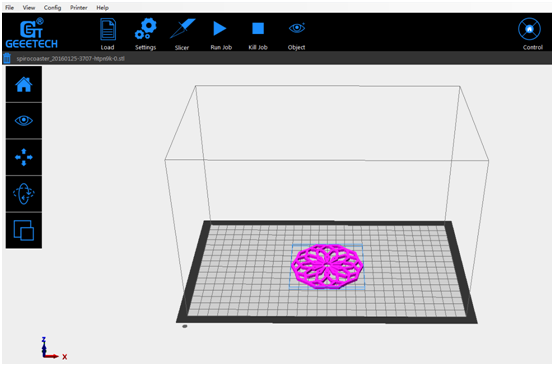
Just choose the 3D models you’ve designed uniquely or downloaded from free websites (such as thingivese, YouMagine, etc.) and drag them onto the virtual printing platform of the software interface.
Settings
Start in [quick] mode for rapid onboarding, where you just need click the [apply] and [ok] buttons to start your printing. This simple operation mode provides you with indescribable joys to witness the rapid transformation from an abstract 3D model to a tangible object, completely giving your imagination free reign and satisfying your curiosity about 3D printing world.
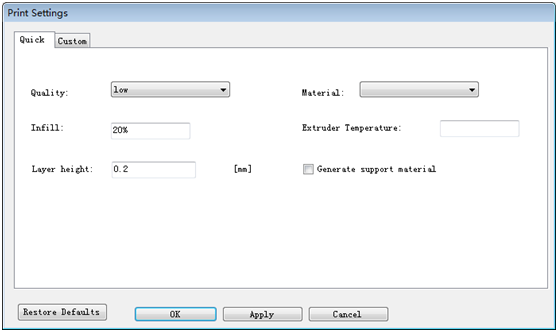
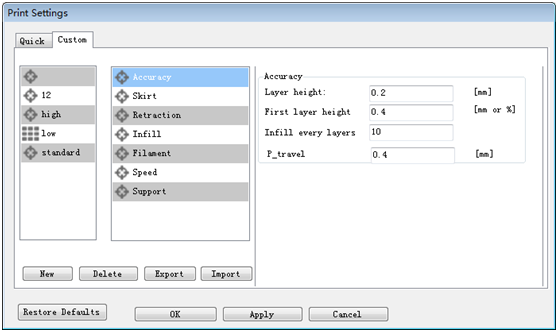
For seasoned users wanting to exert finer control over the overall print quality, the [custom] mode is definitely your optimal choice. Here you can set different parameters for your printing, including accuracy, skirt, retraction, infill, filament, speed and support.
All these detailed print settings make it satisfactorily possible for you to bring out a custom article with strong structures and smooth finish.
Slicer
After finishing the print settings, you just need to click the [slicer] menu. EasyPrint will slice the model within several seconds. You will enjoy a marvelous view of the layers, which stand for the moving paths of the nozzle.
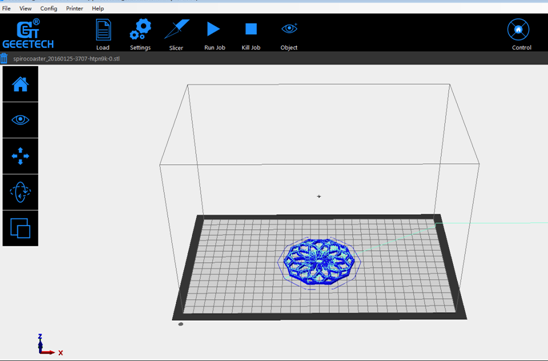
Please click the [Run job] button to start the amazing printing journey! Now an eye-popping sight of how the thin materials would melt and fast form a lively object layer by layer will definitely amaze YOU!
Download: EasyPrint (EasyPrint is only compatible with windows system. We will keep on updating EasyPrint. Please stay tuned~)
Learn more: Geeetech prepares a detailed user manual of EasyPrint for you to achieve satisfactory printouts!
Leave us your feedback or constructive advice on EasyPrint by joining the Facebook public test group for EasyPrint 3D printing software. The constructiveness of comments will be decided by making reference to the number of LIKES you receive.
Thank you for your engagement!