Categories Tutorials

How to Print dual color models with geeetech prusa I3 pro C

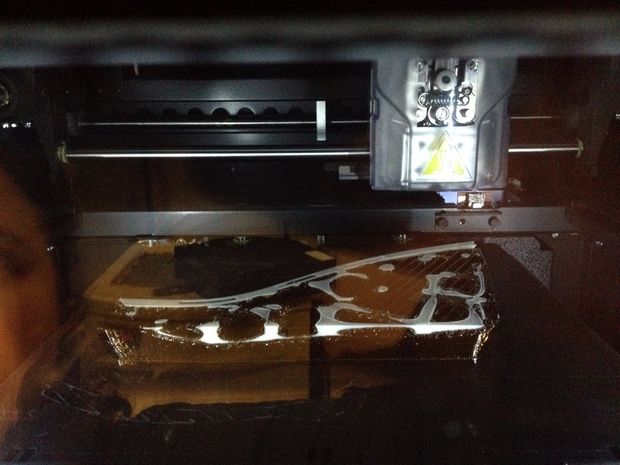
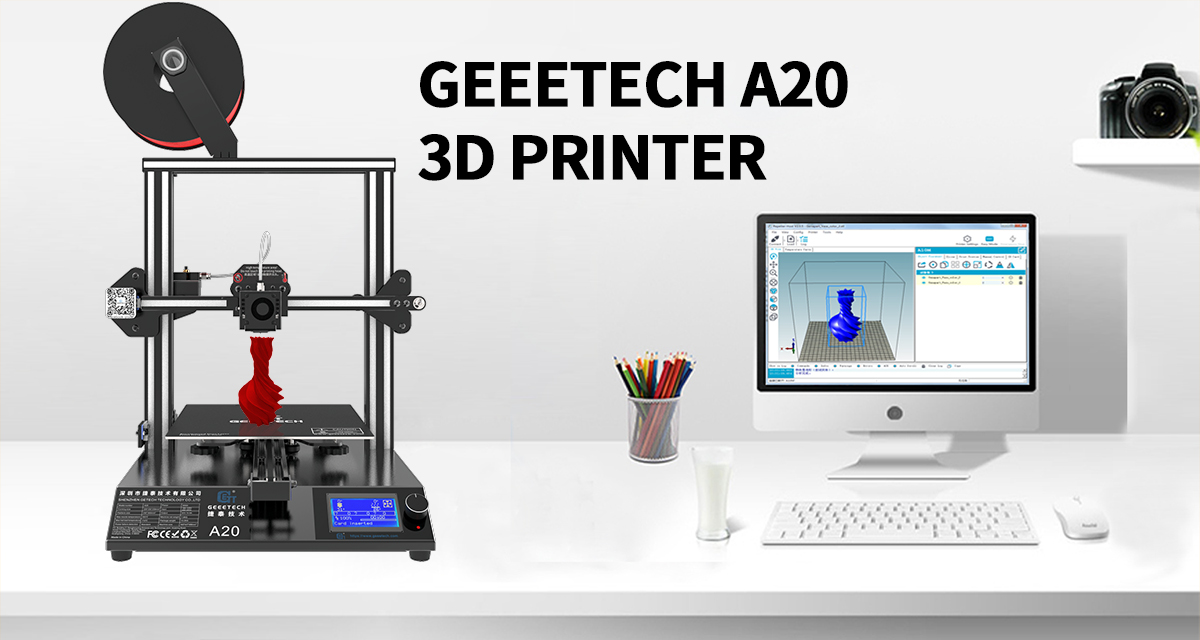
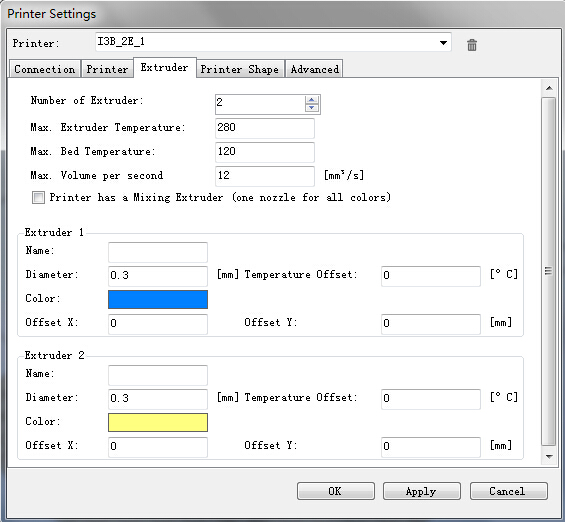
if you are interested in 3D printing, you cannot afford to miss this post, today, i will show you a step by step instruction on how to print dual color models with geeetech prusa I3 pro C.     Before reading this text,please make sure you have already read the set up guide of the version of 13B single extruder and you can use it to print 3D models. If not, please learn how to operate the single extruder. Of course, you can take this one as the single extruder version to start.  Step 1:Open Repetier Host,click Config/Printer Settings to set up the connection.  1. Name your printer.  2. Select the corresponding COM port and baud rate. Baud rate is generally 115200 or250000. 3. If you are not sure about the COM port, you can check it in your device menager.  Step 2: Set up your extruder Choose the number of extruder, here we choose 2. Set up the diameter and color of filament Offset X/Y refers to the distance between the two extruders,which can be adjusted based on real situations. You can leave it alone now.   Step 3: Set up the shape of printer  Choose Classic printer as the printer type. Home X: min  Home Y: min   Home Z: min Print height: 150   Now,you can click the Connect button on the left corner to check whether it can connect with your printer. If it fails, please recheck the COM port and Baud rate. Step 4:  Manual control …
Categories Tutorials

How to 3D Print Stylish Parametric Shoes

On our facebook page,i asked a question,’if we give a woman a 3D printer ,what do you think she most want to print?’.Unfortunately, I did not get feedback.But as a girl, Ican’t help to answer this question.Of course, clothes and shoes.Today,we will share how to use 3D printer to print stylish parametric shoes. Easily 3D print…

Categories Tutorials

Geeetech Acrylic Prusa i3 3D Printer Kit (assembly)

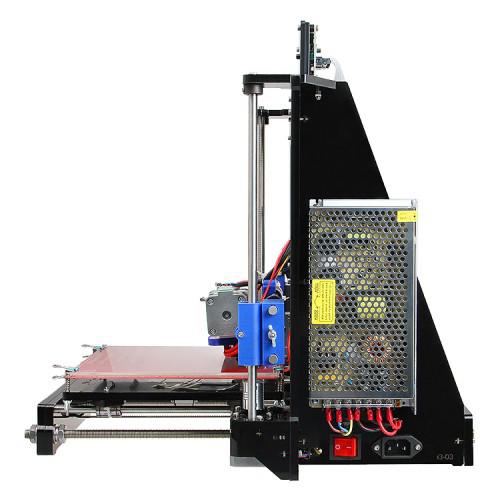
Today we will share some videos about Geeetech Acrylic Prusa i3 3D Printer Kit (assembly) , which shooted by one of our customers .thank for sharing.and it also makes us realize our own shortcomings, we will improve our instructions  as  soon as possible。

Categories Tutorials

Choosing the right Arduino Board

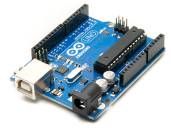
As we all known,these are too many Arduino Board to choose.sometimes we may be messed with them.so today we learn something about Arduino Board.   This instructable will help you to choose the right Arduino board for your projects and for your beginning in Arduino field. There are a lot of arduino variants ,so the differences between…

Categories Tutorials

DIY Your 3D Printer- Part 3

Yesterday we have finished  all  machine part, did you learn them?Today let’s go on with electric part. 13 Mount the control board  GT2560 Before you start wiring, please take a look at the wiring schematics. You can see original picture here. There is one thing you need to note that the extruder number in this picture is…

Categories Tutorials

DIY your own 3D Printer- part 2

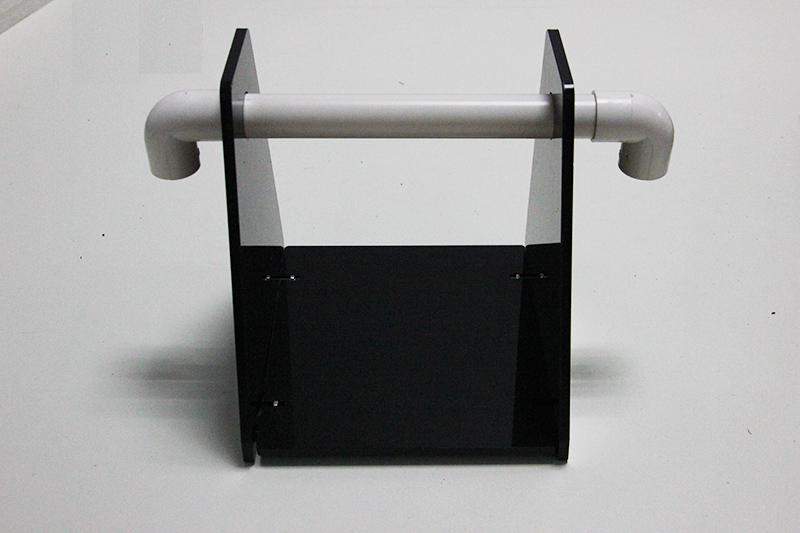
 As last time ,we have finished  the Yaxis part,today we will go on with all machine part. 3 Assemble Y – Z axis  Required number Required parts 1 X-Z frame 4 M3 x 20 screw 4 M3 nut Step1. Held upright the main frame is after the acrylic fender washers on the threaded rods. Here you can use the A2 panel…